Persona
The Persona tab is where you set your agent's identity, tone, and conversational messages — the same fields you filled in during the creation wizard's Info step, editable anytime afterward.
Navigating to Persona
Open an agent, then click the Persona tab.
Fields
| Field | Description |
|---|---|
| Agent Name | Shown to visitors in the chat header. |
| Tone | Professional, Friendly, Casual, or Formal. |
| Persona (system prompt) | Defines the agent's role and personality (up to 2000 characters). |
| Greeting | The first message visitors see when the chat opens. |
| Fallback Message | Shown when the agent can't answer or understand a question. |
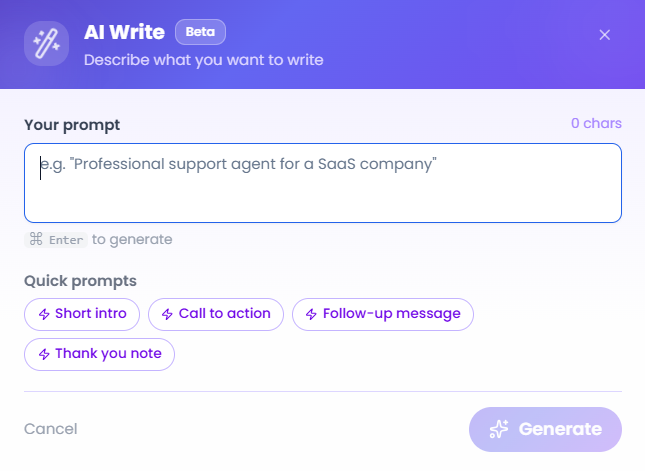
Each text field has a Write with AI option to generate content from your inputs, matching the creation wizard.
 Identity, tone, and message fields on the left; the live widget preview and test chat on the right.
Live Preview
A widget preview on the right updates as you type, alongside an inline test chat. This preview is a quick, local check of your tone and copy — it replies with canned text based on your fallback/tone settings rather than calling the real agent. For a real conversation against your actual knowledge base and flow, use Sandbox instead.
Video Walkthrough
Watch the complete walkthrough below.