AI Agents Overview
AI Agents let you deploy chatbots that qualify leads, answer support questions, and re-engage contacts — trained on your own website and documents, and available around the clock.
What You Can Do with AI Agents
| Capability | Description |
|---|---|
| Create an Agent | A guided wizard sets up identity, knowledge sources, and lead capture in a few steps. |
| Persona & Behavior | Define your agent's name, tone, greeting, and fallback message. |
| Knowledge Base | Train the agent on your website, uploaded documents, and Q&A pairs. |
| Lead Capture | Choose what contact info the agent collects, and see leads it has captured. |
| Flow Builder | Design a visual conversation flow with branching questions and lead scoring. |
| CRM Actions | Automatically create contacts, opportunities, or support tickets from captured leads. |
| Integrations | Connect WhatsApp follow-up messages to your agent. |
| Deploy | Embed the agent as a chat widget on your website. |
| Sandbox | Test the live agent in a real conversation before going live. |
| Analytics | Track conversations, capture rate, fallback rate, and more. |
Navigating to AI Agents
Click AI Agents in the left sidebar. This opens the agents list, where you can see every agent, filter by type or status, and create a new one.
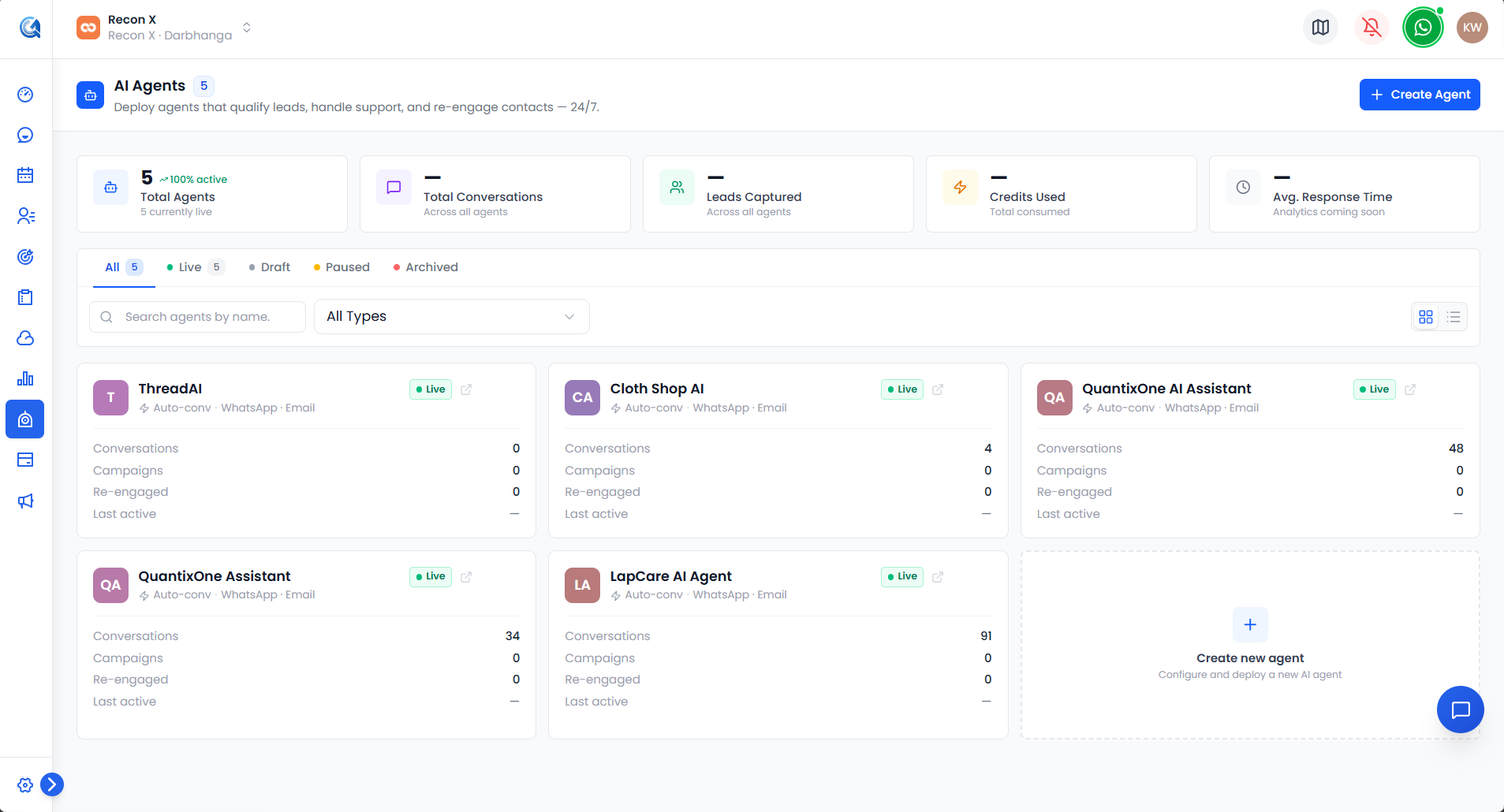 The AI Agents list — a KPI strip along the top, status/type filters, and a card for every agent.
Agent Types
QuantixOne supports three agent types — Lead Generation, Customer Support, and Auto-Conversations. See Agent Types for how they differ.
Getting Started
See Creating an AI Agent for the full creation wizard walkthrough.
Video Walkthrough
Watch the complete walkthrough below.