Logging In
QuantixOne uses passwordless sign-in — there's no password to remember. You sign in with your email address and a one-time verification code, and you can create a new account from the same screen.
The Welcome Screen
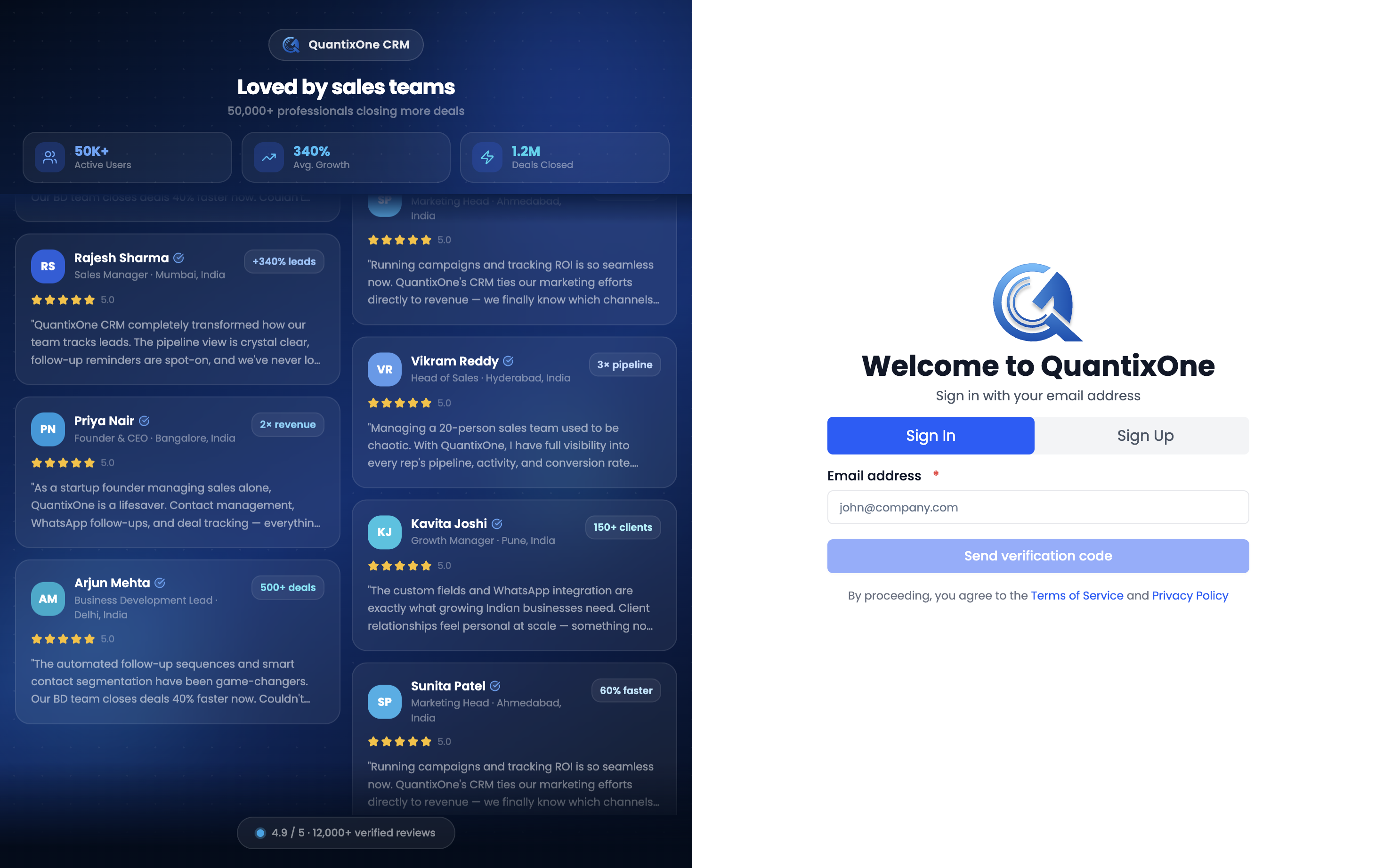
Open the QuantixOne login page. At the top of the form are two tabs: Sign In and Sign Up.
Signing In
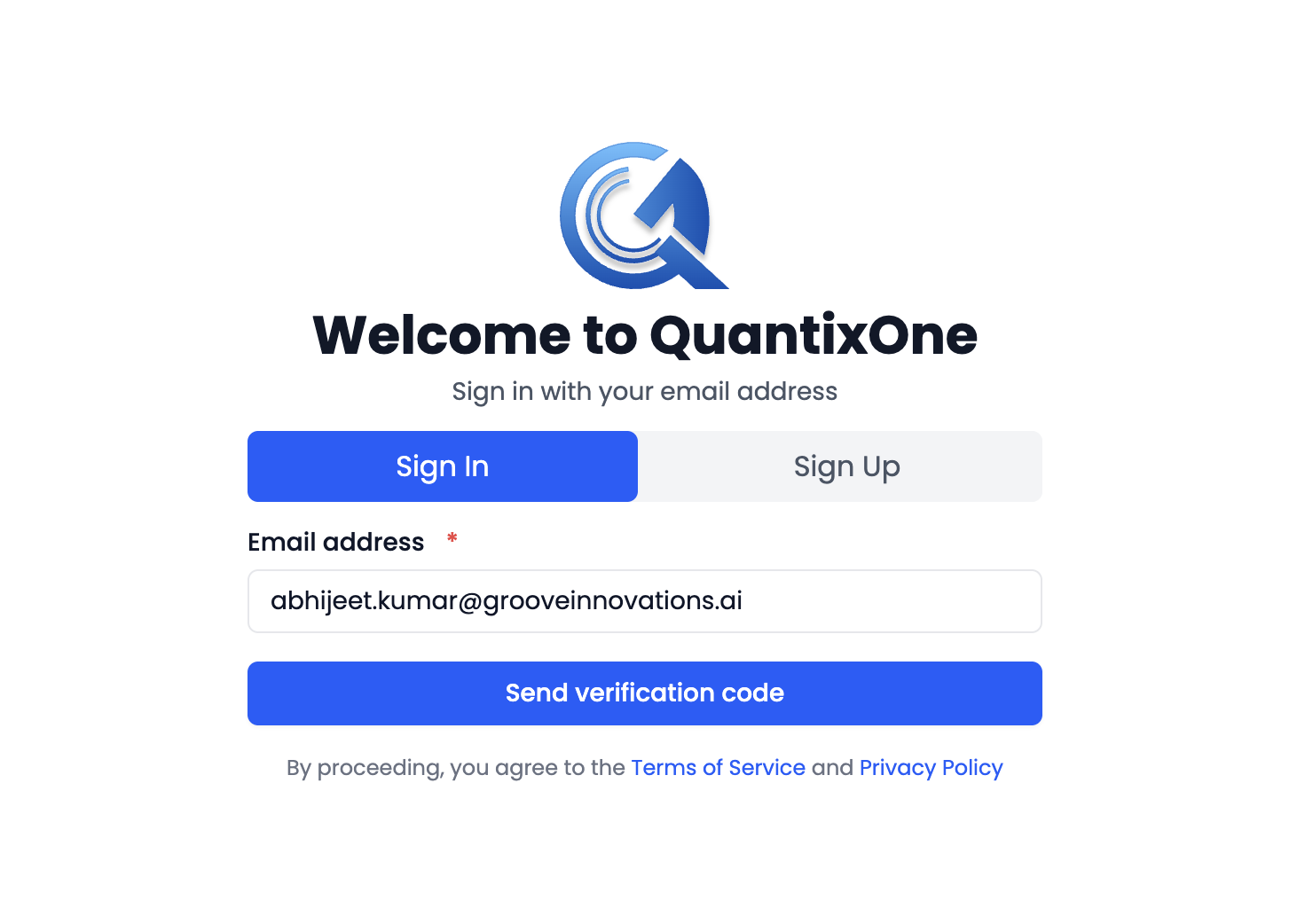
- On the Sign In tab, enter your Email address and click Send verification code.
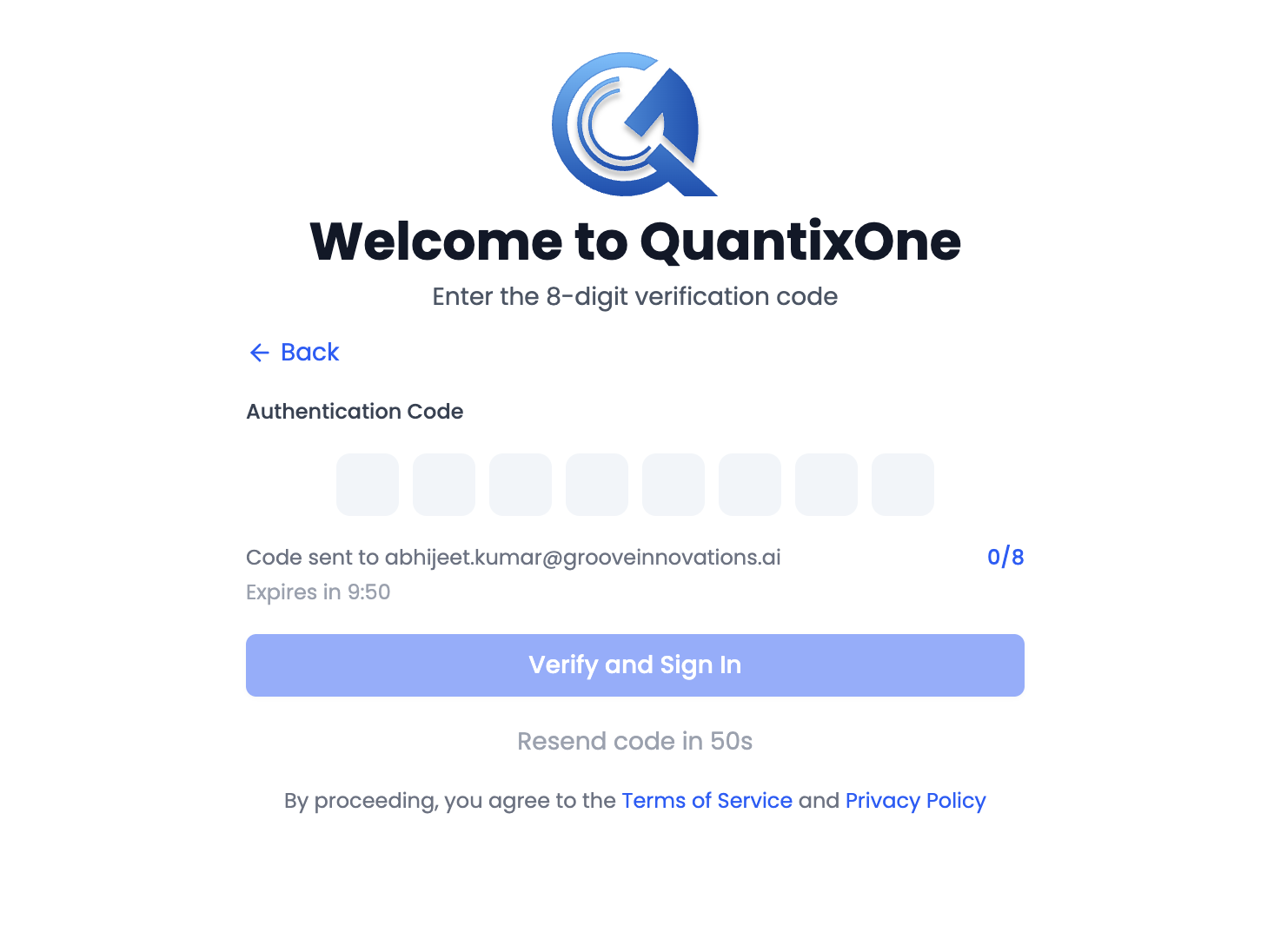
- Check your inbox for a 6-digit code, enter it under Authentication Code, then click Verify and Sign In.
The code screen shows who it was sent to (Code sent to {email}), a countdown (Expires in mm:ss), and a Resend verification code link once the code was just sent (it becomes Resend code in {n}s during a short cooldown). If the code times out, a message reads "This code has expired. Request a new one below." — click Resend and try again. Click Back at any time to return to the email step.
Once verified, you're taken straight to your Dashboard.
Note: There's no "Forgot password" link because there's no password — if you can't sign in, simply request a new code.
If Your Account Needs Verification First
If you sign in before finishing email verification from signup, QuantixOne automatically shows a message — "Please verify your email address to continue. Check your email for the verification code." — and takes you straight into the verification-code screen. Enter the 6-digit code from your email and click Verify Email to finish, then sign in again.
Signing In to Multiple Organizations
If your email is linked to more than one organization, a Select Your Organization screen appears after verification. Choose the organization you want to work in from the list, then click Continue.

Note: If you belong to only one organization, this screen is skipped automatically.
Common Sign-In Messages
| Message | What it means |
|---|---|
| "No account found with this email. Please sign up first." | There's no QuantixOne account for that address yet — switch to the Sign Up tab. |
| "Invalid or expired verification code. Please try again." | The code was typed wrong or has expired — request a new one. |
| "Unable to sign in at this time. Please try again or contact support." | A general sign-in issue — retry, or contact your workspace admin. |
Video Walkthrough
Watch the walkthrough below to see how to sign in to QuantixOne.