Dashboard Overview
The Dashboard is Quantixone's executive command centre — a single scrollable page that aggregates live metrics from Contacts, Opportunities, Tasks, Conversations, Calendar, Media Storage, Forms, and AI Agents into one management view.
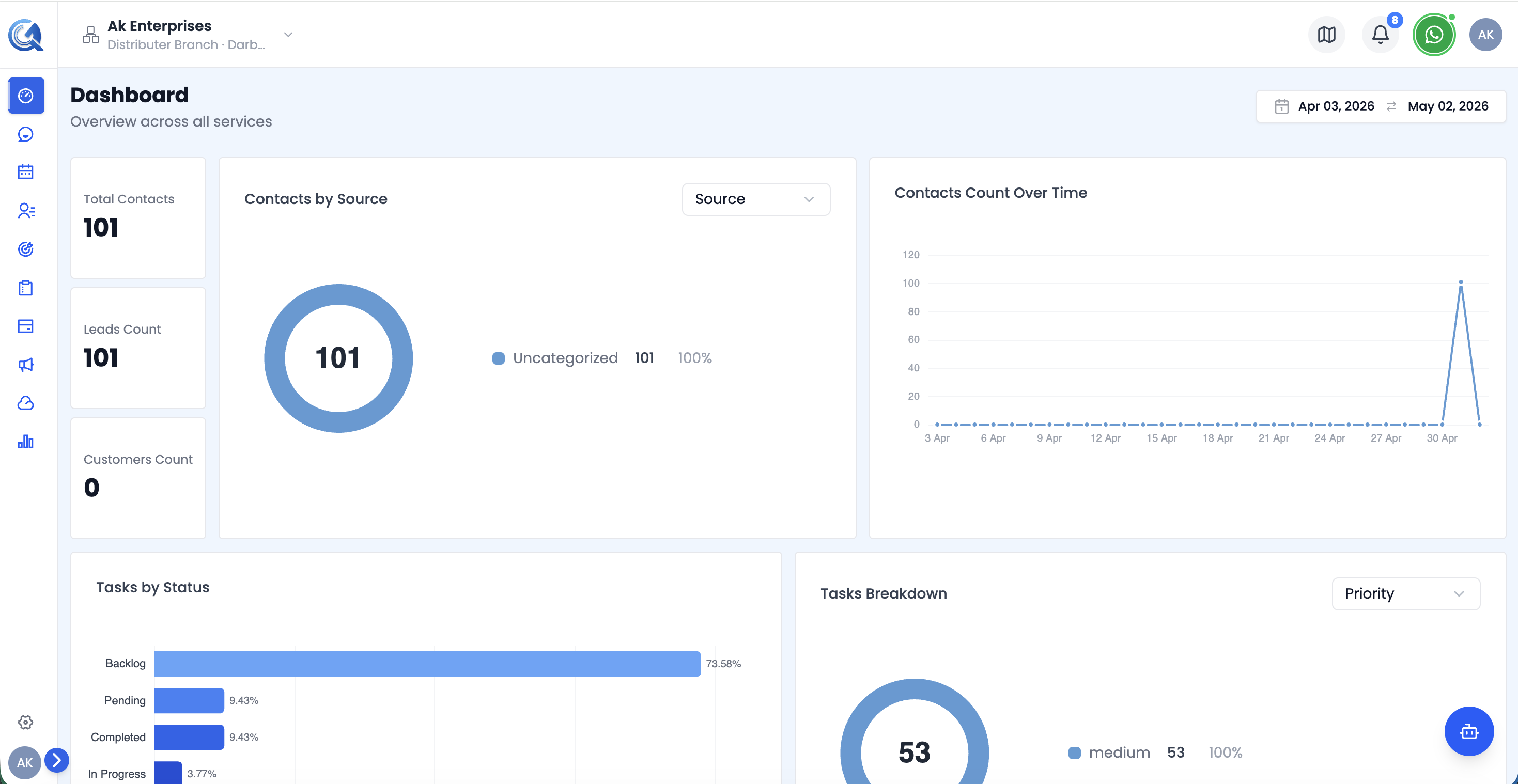 The top of the Dashboard — the header KPI strip and the start of the Executive Summary section.
Navigating to the Dashboard
From the main navigation, click Dashboard. The page loads with a header KPI strip followed by seven sections, in order — there are no tabs to switch between; you simply scroll through the page.
Date Range Picker
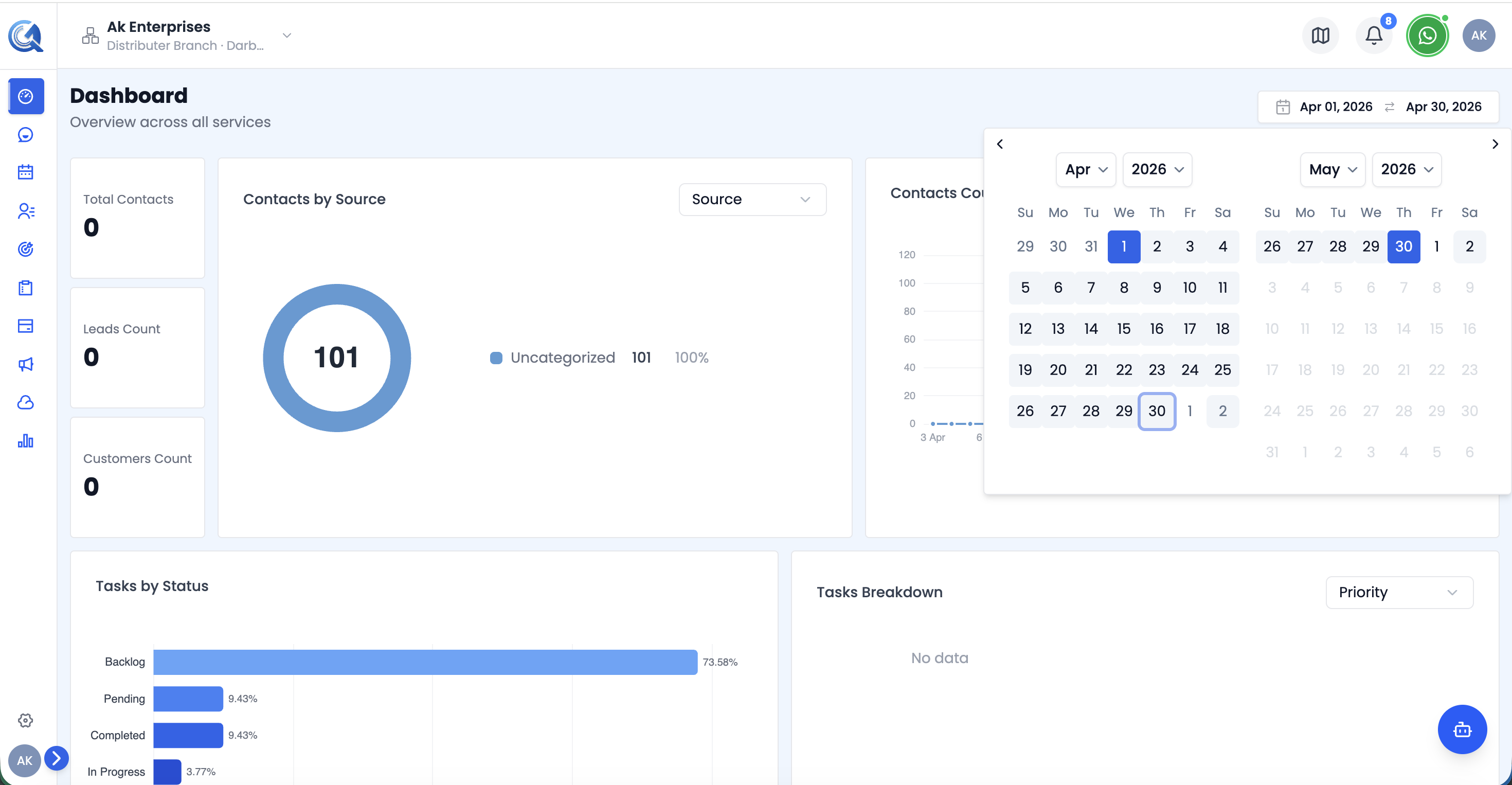 The shared Date Range Picker at the top of the Dashboard.
A shared Date Range Picker sits at the top of the page, with quick presets for Today, 7D, 30D, and 90D, plus a Custom option. Changing it updates the header KPI strip and most sections below.
- Default range: last 30 days
- Two sections do not respond to the date range picker and always show all-time data: the Record Volume Chart in Executive Summary, and the entire AI Agent Operations section.
Header KPI Strip
 The nine-tile header KPI strip.
Nine KPI tiles sit above all seven sections: Total Contacts, Pipeline Value, Total Tasks, Conversations, Active Calendars, Media Storage, Published Forms, Open Pipeline %, and AI Agents.
Dashboard Sections
| Section | What it covers |
|---|---|
| Executive Summary | Business-wide volume, performance, risk, and management insights — start here |
| Commercial Performance | Contacts and Opportunities — are we converting demand into revenue? |
| Delivery & Productivity | Task execution, workload balance, and delivery risk |
| Customer Engagement & Scheduling | Conversations and Calendar — are customers receiving timely engagement? |
| Digital Operations | Media Storage and Forms — are digital assets producing business value? |
| AI Agent Operations | Agent availability, conversation workload, and lead capture |
| Executive Module Matrix & Actions | A one-page module comparison ending in decisions, owners, and next steps |
Video Walkthrough
Watch the complete walkthrough below.