Reports Overview
Reports is the analytics layer of Quantixone — a dedicated section with deep-dive charts, tables, and KPI breakdowns for every service. While the Dashboard gives you a live summary, Reports lets you analyse trends, compare periods, drill into individual records, and understand performance across Contacts, Opportunities, Tasks, AI Agents, Conversations, Media Storage, Calendar, and Forms.
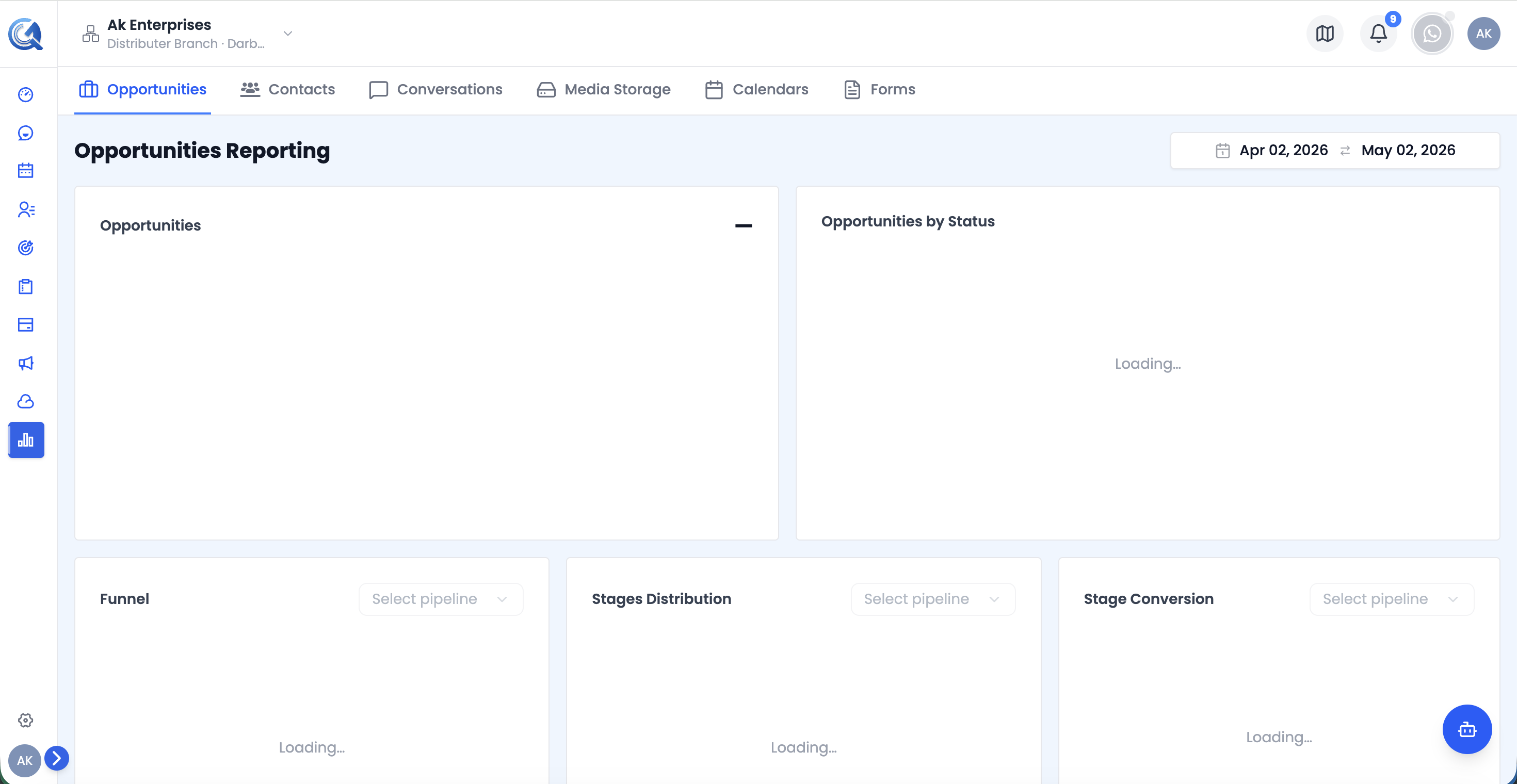 The Reports landing view, with tabs for every service report across the top.
Navigating to Reports
From the main navigation, click Reports. The page opens to the Contacts Report by default. Use the tabs across the top to switch between service reports.
Date Range Picker
 The shared Date Range Picker, available on every report except AI Agents.
Most report sections share a Date Range Picker in the top-right corner. Changing the date range updates every chart, table, and KPI card on the active section simultaneously.
- Default range: last 30 days
- Future dates are disabled
- The AI Agents report has no date range — it always shows all-time data
Filters
 A report's filter popover, with a badge showing the number of active filters.
Beyond the date range, most reports offer additional filters specific to that service (for example, Type/Source/Owner/Tags on Contacts, or Pipeline/Stage/Status on Opportunities). Filters are staged locally as you set them and only take effect once you click Apply — use Clear or Reset to remove them. A badge on the filter icon (where present) shows how many filters are currently active.
Exporting Data
 The Export CSV button, available on every report except AI Agents.
Every report except AI Agents has an Export CSV button that downloads the currently filtered view as a spreadsheet.
KPI Tooltips & Insights
 Hovering a KPI card's info icon shows a one-line explanation of the metric.
KPI cards carry an info icon — hover it for a one-line explanation of what the metric measures. Several reports (Opportunities, Tasks, and AI Agents, among others) also surface a highlighted insight banner above or below their charts when the system detects a notable trend worth calling out.
Report Sections
| Section | What it covers |
|---|---|
| Contacts | Contact growth, lead/customer breakdown, source and ownership distribution, data quality |
| Opportunities | Deal pipeline, stage conversion, value breakdown, growth trends, top deals |
| Tasks | Completion and overdue metrics, task breakdowns, per-record task summaries, leaderboard |
| AI Agents | Agent conversation volume, lead capture, performance summary and insights |
| Conversations | Message volume, channel distribution, delivery performance, top contacts |
| Media Storage | Storage usage, upload trends, largest files, folder breakdown |
| Calendar | Calendar portfolio composition, booking sources, team workload, popular days |
| Forms | Publishing status, submission trends, top-performing forms |
Video Walkthrough
Watch the complete walkthrough below.