Template Components
A WhatsApp template is assembled from up to four components: Header, Body, Footer, and Buttons. Understanding how each component works helps you build effective templates that get approved by Meta on the first submission.
Header
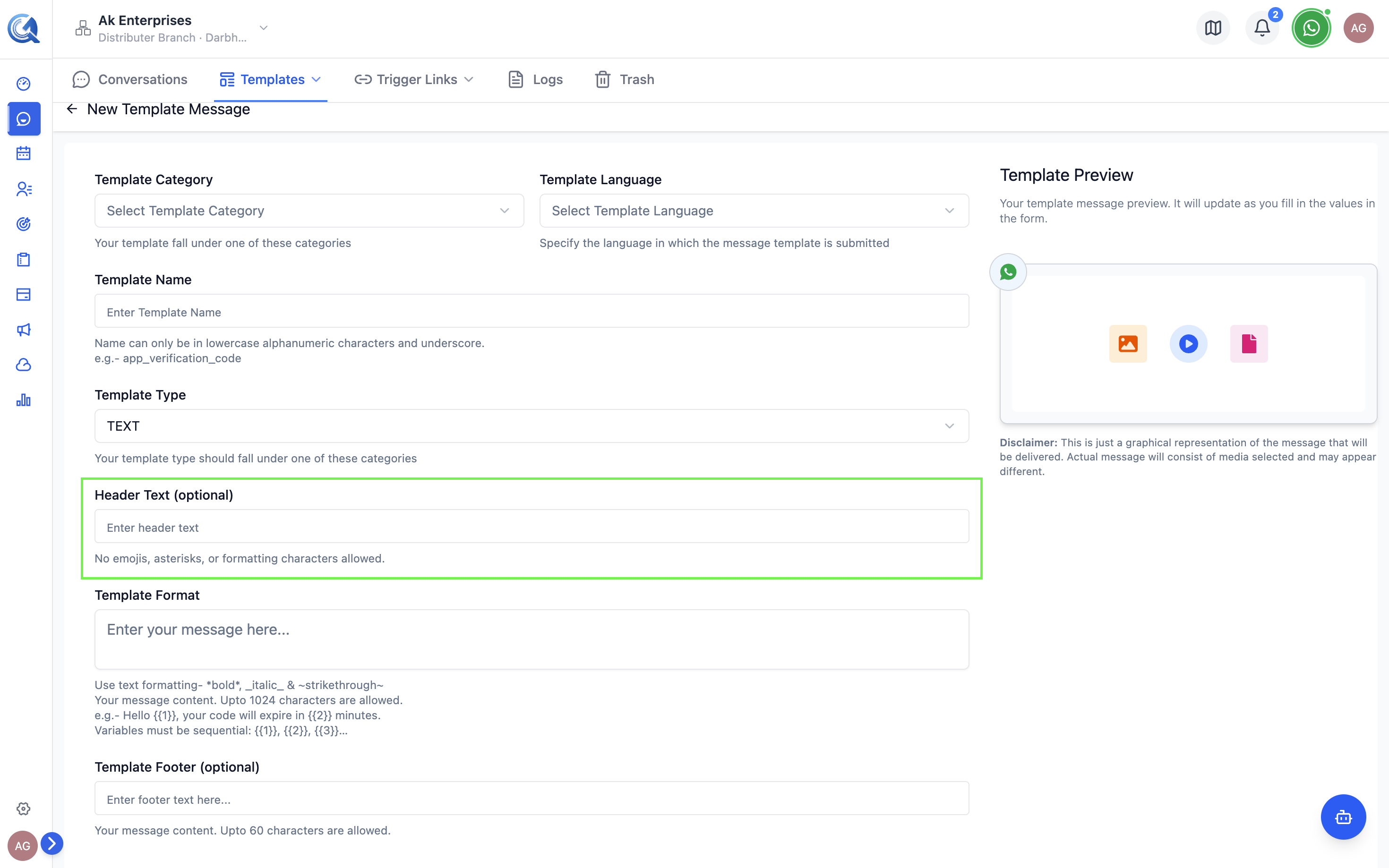
The header appears at the top of the template message. It is optional but highly recommended for visual impact.
Text Header
- Max 60 characters
- Supports one variable:
{{1}} - Renders in bold above the body
Media Headers
| Type | Usage |
|---|---|
| Image | Upload a JPG/PNG or provide a URL. WhatsApp renders it inline at the top. |
| Video | Upload an MP4 or provide a URL. Displays a playable video thumbnail. |
| Document | Upload a PDF. Renders as a downloadable file header. |
| Location | Displays a static map pin. No variable or URL support. |
For media headers, you can set a static file at template creation time, or mark it as dynamic so the sender can upload different media each time the template is used.
 An image header renders prominently at the top of the message bubble.
Note: Header images are automatically validated and re-hosted when you submit the template, so WhatsApp can reliably load them. If the source image is broken, too slow to load, or in an unsupported format, submission will fail — use a clear, reasonably-sized image to avoid this.
Note: Authentication category templates don't support custom headers — WhatsApp reserves the layout for the verification code and button only.
Body
The body is the only required component. It contains the main message content.
Text Formatting
WhatsApp supports these inline formatting marks:
| Format | Syntax | Rendered As |
|---|---|---|
| Bold | *text* | text |
| Italic | _text_ | text |
| Strikethrough | ~text~ | |
| Monospace | ```text``` | text |
Variables
Use numbered placeholders {{1}}, {{2}}, {{3}} (and so on sequentially) to insert personalized content at send time.
Rules:
- Variables must be sequential — you cannot skip from
{{1}}to{{3}}. - A variable cannot appear at the very start or the very end of the body text.
- Provide at least one example value for each variable when submitting.
Meta's review system flags templates where a variable is the very first or last token in the body. Always wrap variables with surrounding text — e.g., Hi {{1}}, not {{1}} has a message for you.
Hello {{1}}, your order {{2}} has been shipped and will arrive by {{3}}.
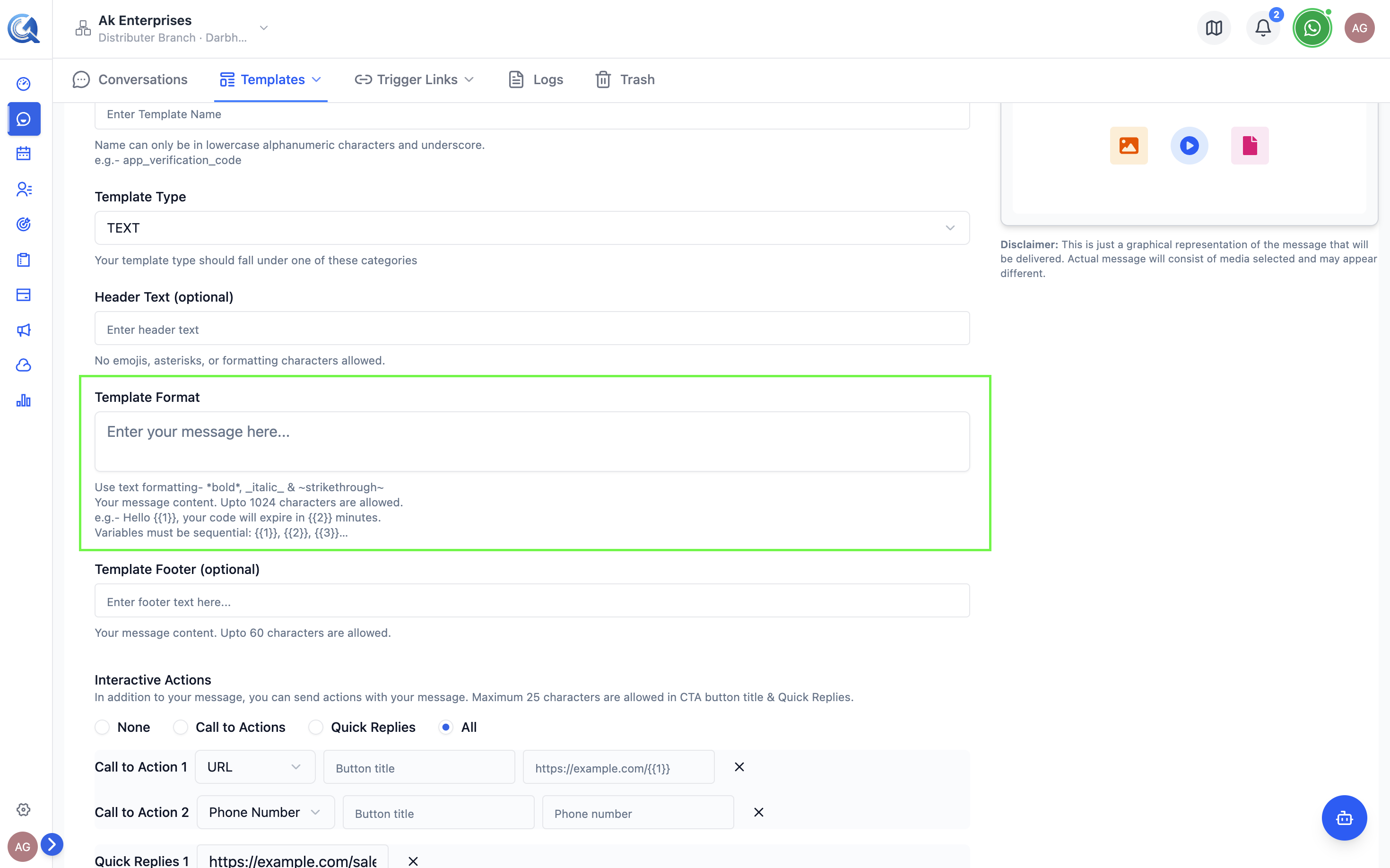 Each variable requires an example value for Meta's review.
Footer
The footer is a short line of grey text rendered beneath the body. Use it for contextual info or opt-out instructions.
- Max 60 characters
- No variables supported
- No formatting supported
Including Reply STOP to unsubscribe in your footer is best practice for Marketing templates — it signals to Meta that your template respects user preferences, which improves approval rates and quality ratings.
Example: Reply STOP to unsubscribe
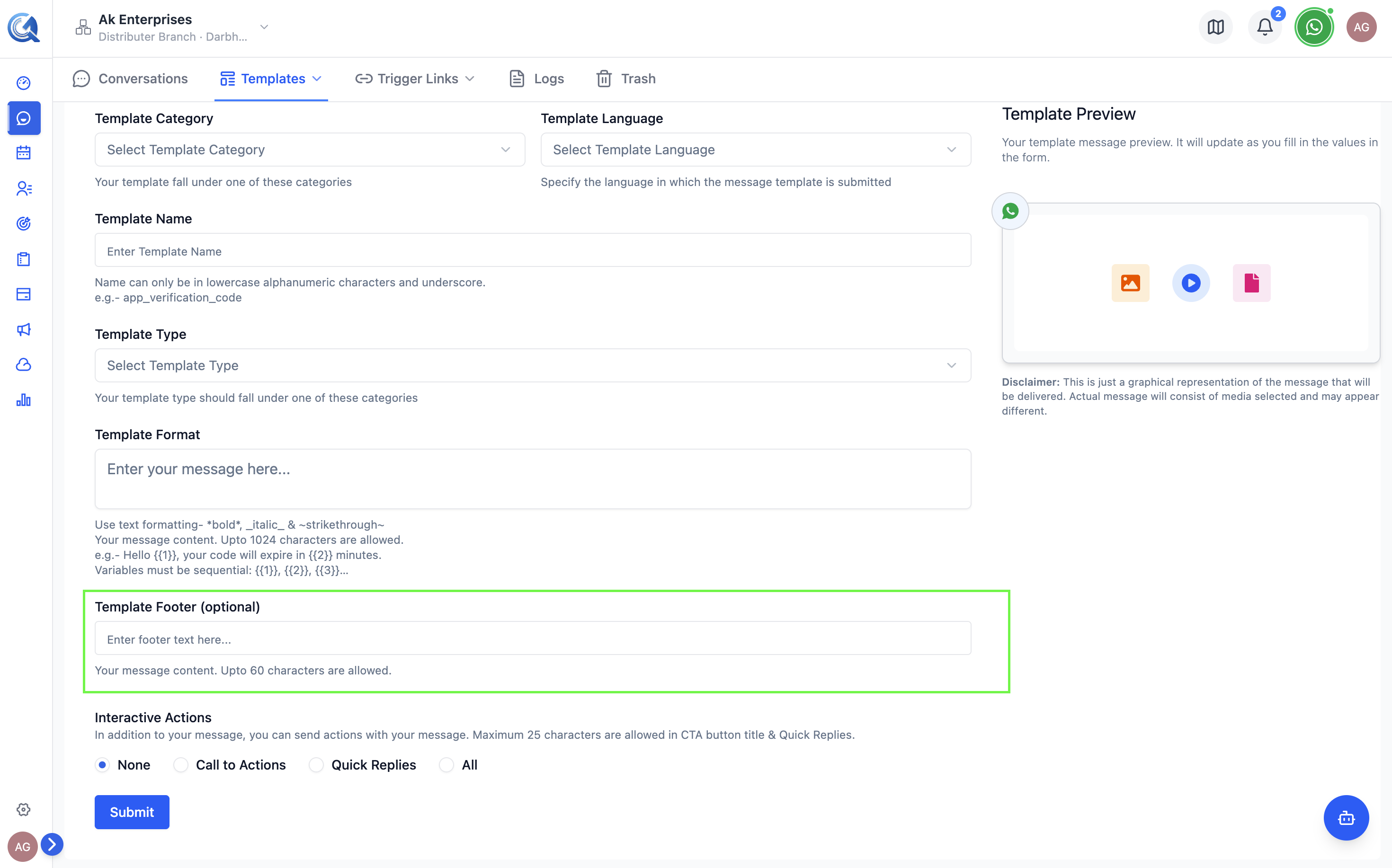 Keep footer text short and informative.
Buttons
Buttons appear below the footer and let contacts take action directly from the message. A template can have up to 10 buttons in total.
Quick Reply Buttons
Tapping sends a preset reply back to your team as an inbound message.
- Max 10 quick replies per template
- Max 25 characters per button label
- Example: "Yes, I'm interested", "Learn more", "Stop messages"
URL Buttons
Opens a link in the contact's browser.
- Max 2 URL buttons per template
- Supports one variable at the end of the URL:
https://example.com/track/{{1}} - Example: "Track My Order", "Book Now"
Phone Number Button
Dials a number when tapped.
- Max 1 phone button per template
- Enter the phone number in international format
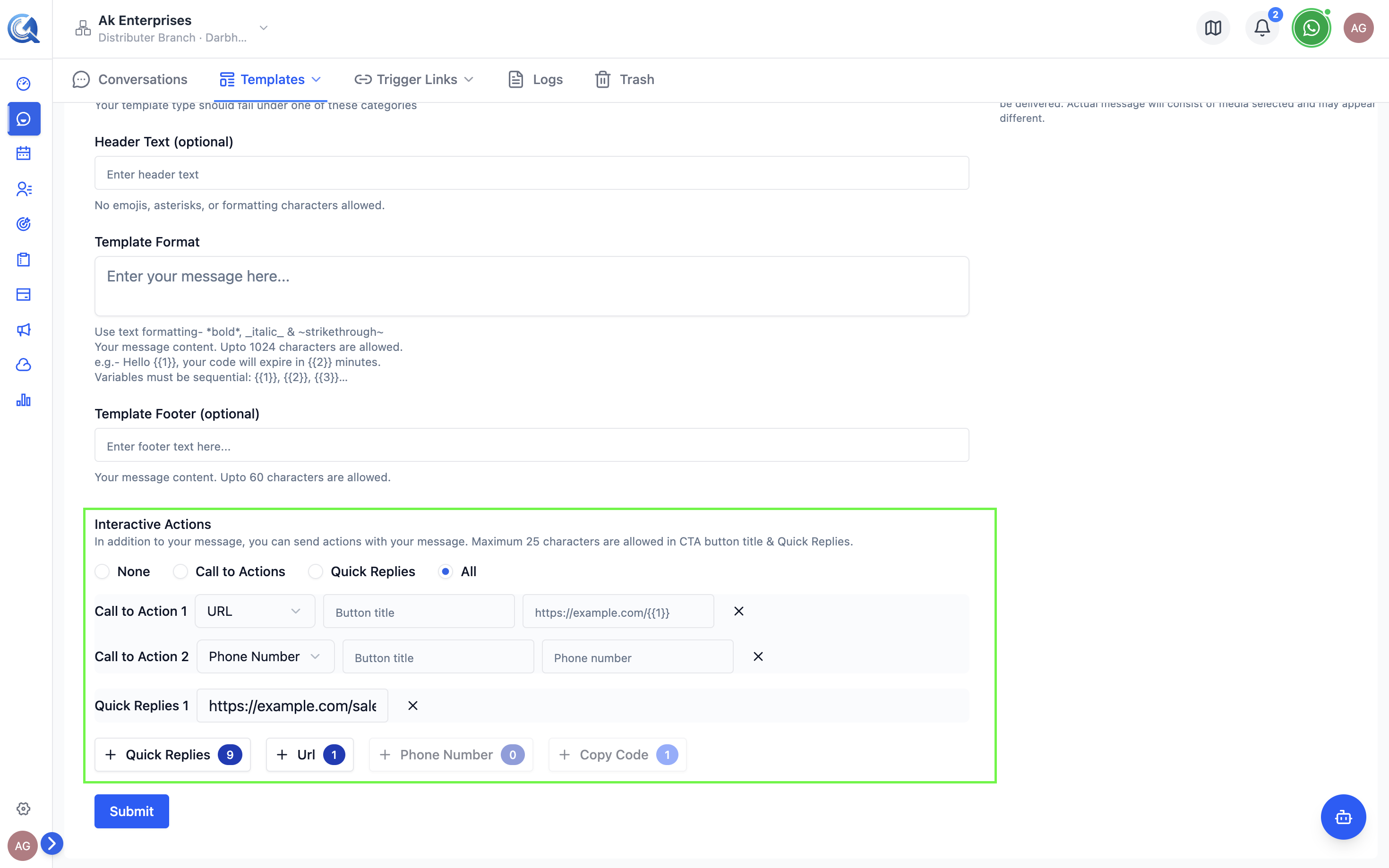 A template with a URL button, phone button, and two quick replies.
An Authentication category template can't have a media header or a URL button — WhatsApp reserves the layout for the verification code itself.
Common Rejection Reasons
| Reason | Fix |
|---|---|
| Wrong category | Use UTILITY for transactional, MARKETING for promotional |
| Missing example values | Provide example values for all {{N}} variables |
| Variable at start/end of body | Move variables so they are surrounded by text |
| Non-sequential variables | Use {{1}}, {{2}}, {{3}} in order |
| Promotional content in UTILITY | Change category to MARKETING |